
Rewards and gamification
3 min read · Updated July 2026
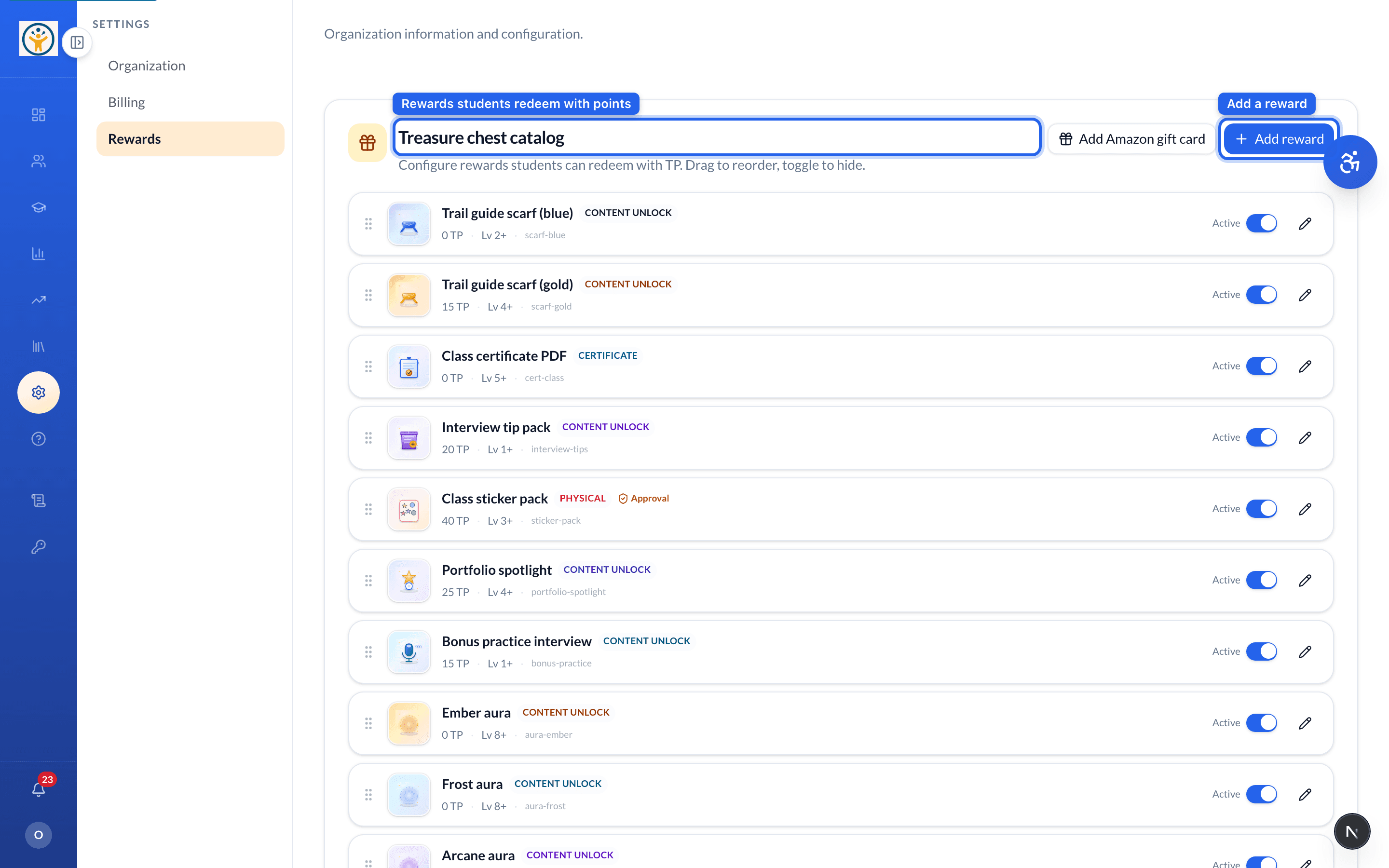
The treasure chest catalog
Under Settings → Rewards you configure what students can redeem with their Thorne Points (TP). Add rewards (including Amazon gift cards), drag to reorder, and toggle any to hide.
Gift card fulfillment
For gift-card rewards, export teacher-approved claims, send the codes off-platform, then mark them delivered — students get an email confirmation when you do.
Only teacher-approved claims appear for export, so approvals stay in the loop before any code goes out.
Still need help?
Reach the team — ask a question, report a bug, or request a feature. Signed in? Contact us from your dashboard.