
Setting up single sign-on (SSO)
4 min read · Updated July 2026
Add a provider
SSO settings are organized into Providers, Domains, Role Mappings, SCIM, and Setup Guides. A new organization starts with no SSO configured — add a provider to begin.
- 1Open SSO Settings and go to Providers.
- 2Add your identity provider and follow the matching Setup Guide.
- 3Verify your Domains so the right accounts are routed to SSO.
- 4Optionally configure Role Mappings and SCIM for automatic provisioning.
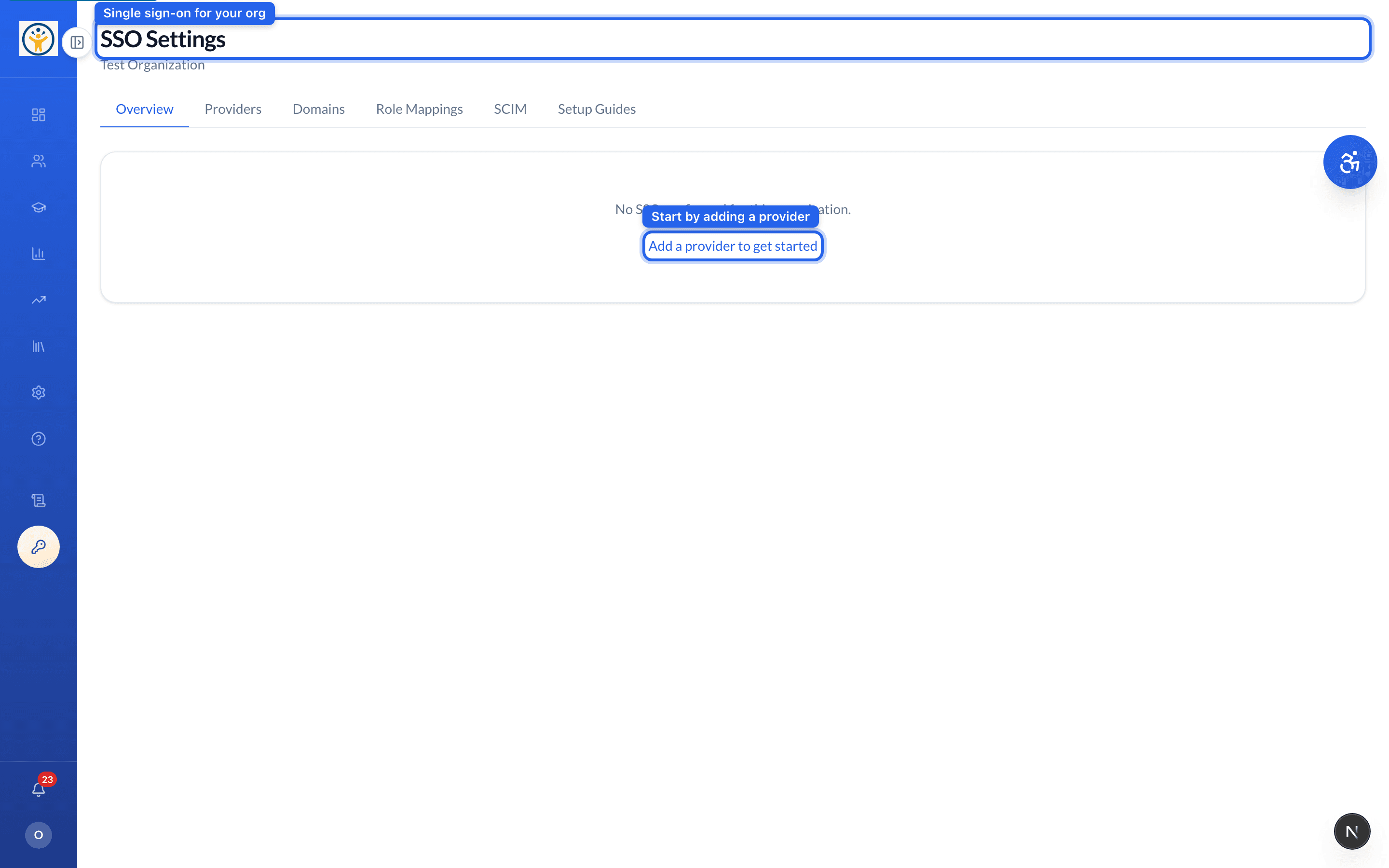
Not sure which settings to use? The Setup Guides tab has step-by-step instructions per provider.
Still need help?
Reach the team — ask a question, report a bug, or request a feature. Signed in? Contact us from your dashboard.