Checking your notifications
1 min read · Updated July 2026
Your notification inbox
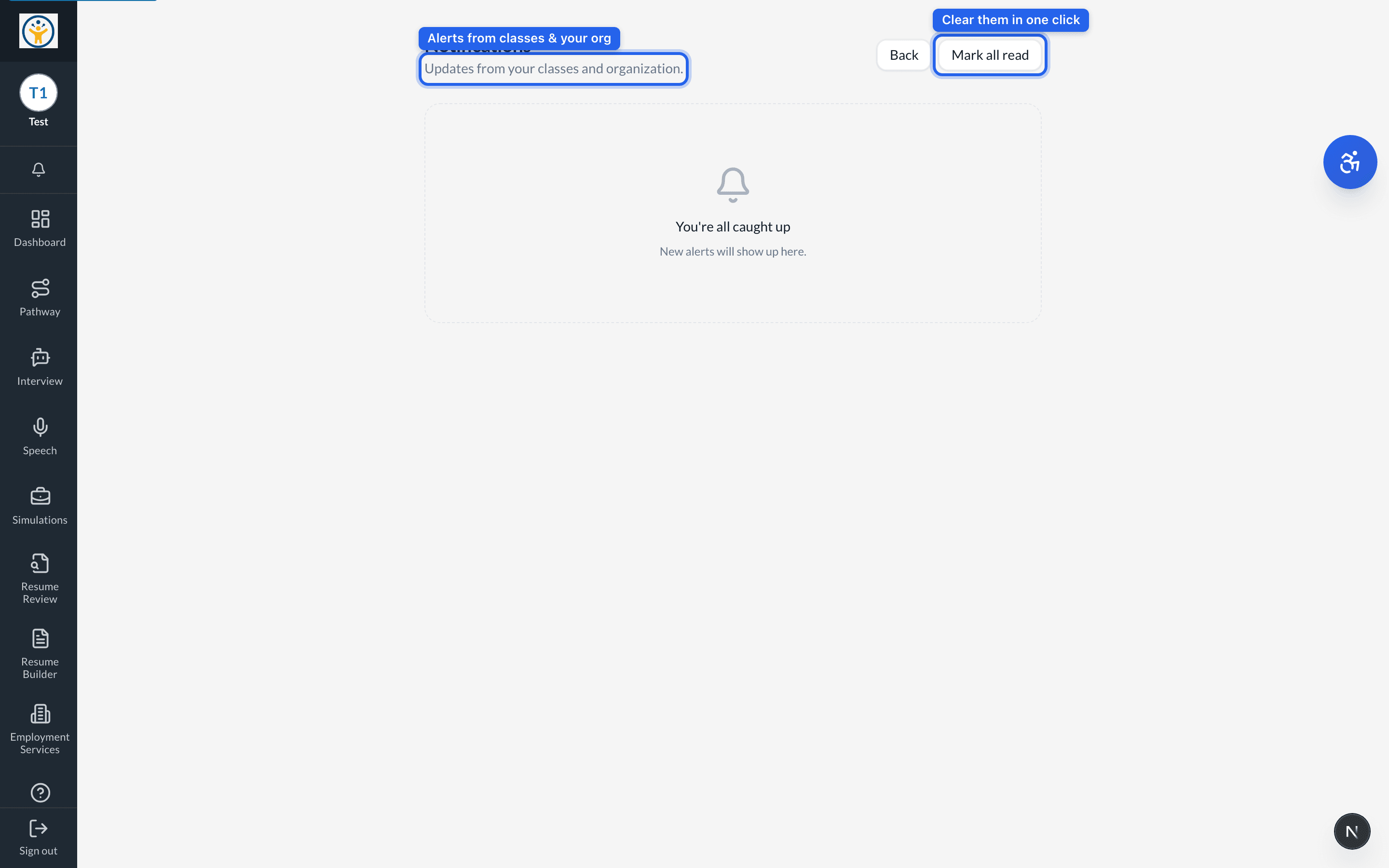
The bell icon opens your Notifications page — updates from your classes and organization, newest first. Mark all read clears them in one click.
Control which alerts you get — and whether they also arrive by email or push — from your Account settings.
Still need help?
Reach the team — ask a question, report a bug, or request a feature. Signed in? Contact us from your dashboard.