Managing your account settings
2 min read · Updated July 2026
Your profile
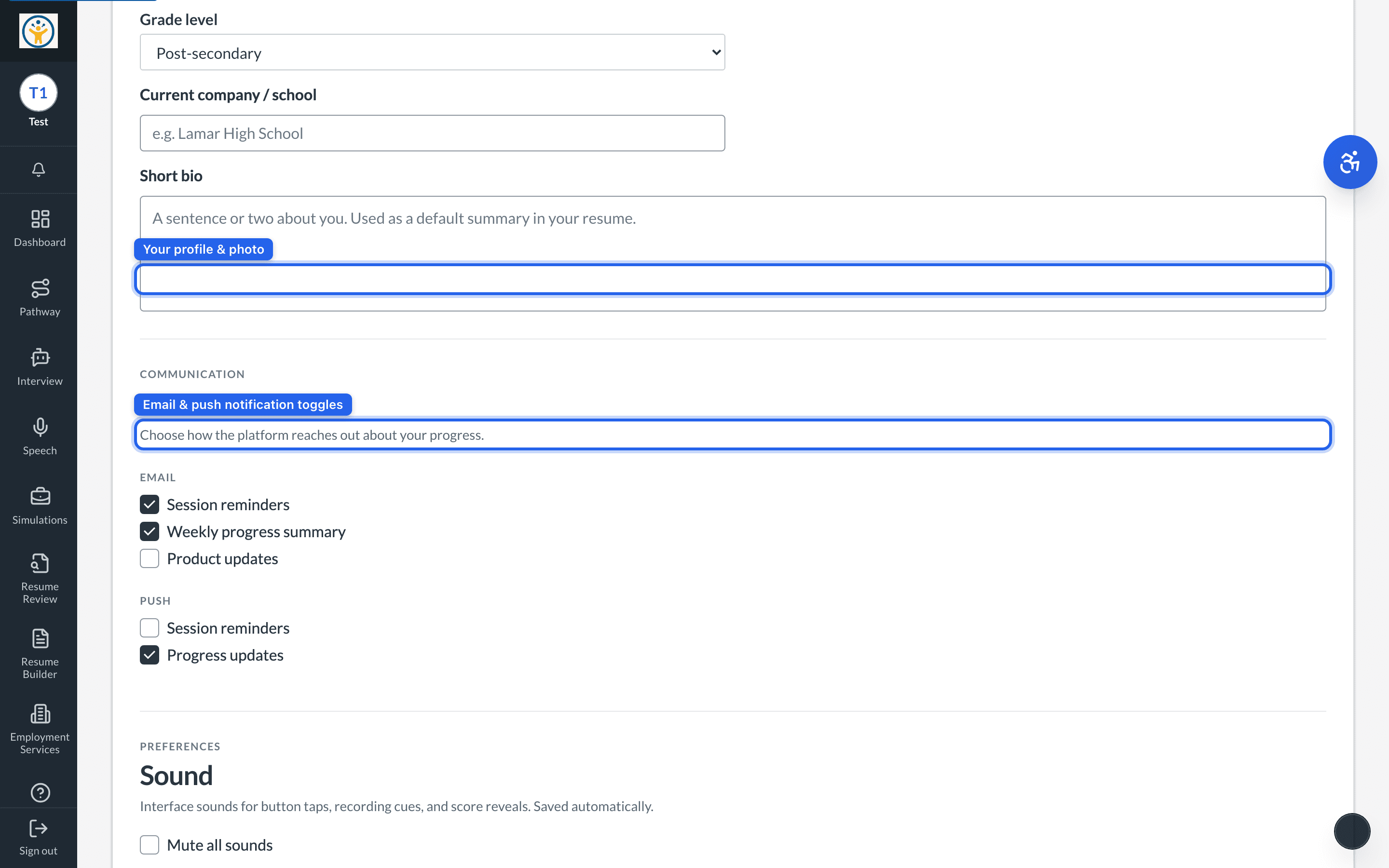
The Account page controls how you appear across the platform — your display name, photo, and optional details (location, timezone, grade level, bio) that personalise your Resume Builder, simulations, and reports.
Notification preferences
Under Communication, toggle email notifications (session reminders, weekly progress summary, product updates) and push notifications (session reminders, progress updates) to match how you want the platform to reach you.
Your email is managed by your sign-in account — everything else on this page you can change yourself.
Still need help?
Reach the team — ask a question, report a bug, or request a feature. Signed in? Contact us from your dashboard.