
Completing a work simulation
3 min read · Updated July 2026
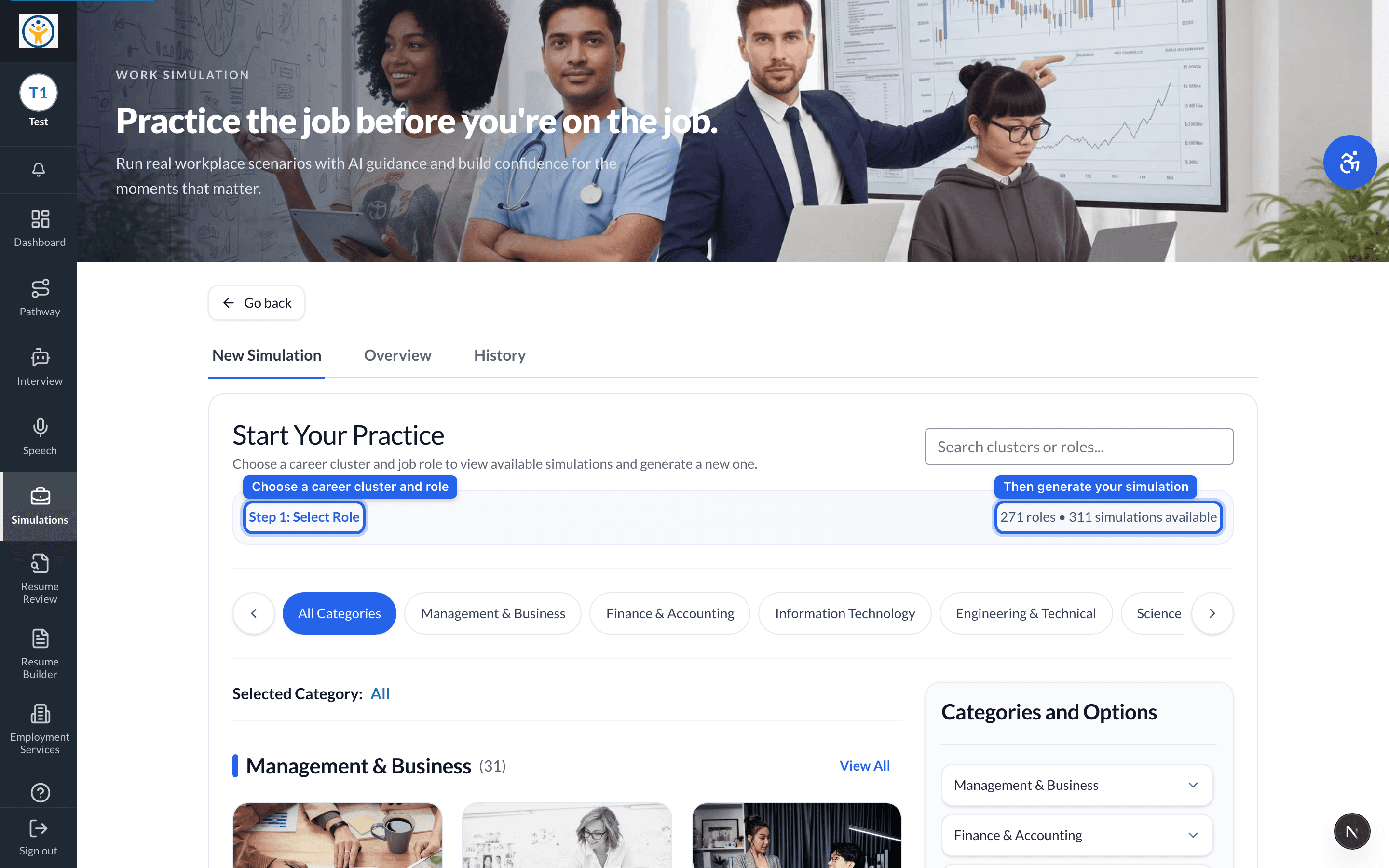
Practice the job before you're on the job
Work Simulations put you in realistic workplace scenarios for a role you choose, with AI guidance and feedback as you go.
- 1Open Simulations and choose New Simulation.
- 2Search or browse the career clusters and pick the role you want to practice.
- 3Generate a simulation for that role.
- 4Work through the scenario step by step — make decisions and get AI feedback along the way.
Treat your choices as you would on the real job, not as a quiz — that's where the practice pays off.
Still need help?
Reach the team — ask a question, report a bug, or request a feature. Signed in? Contact us from your dashboard.