
Practicing with the Speech Coach
3 min read · Updated July 2026
Record and get feedback
The Speech Coach listens to a short spoken take and gives clear feedback on clarity, pacing, and tone — the same loop as a patient human coach, any time you need it.
- 1Open Speech Coach and start a New Session.
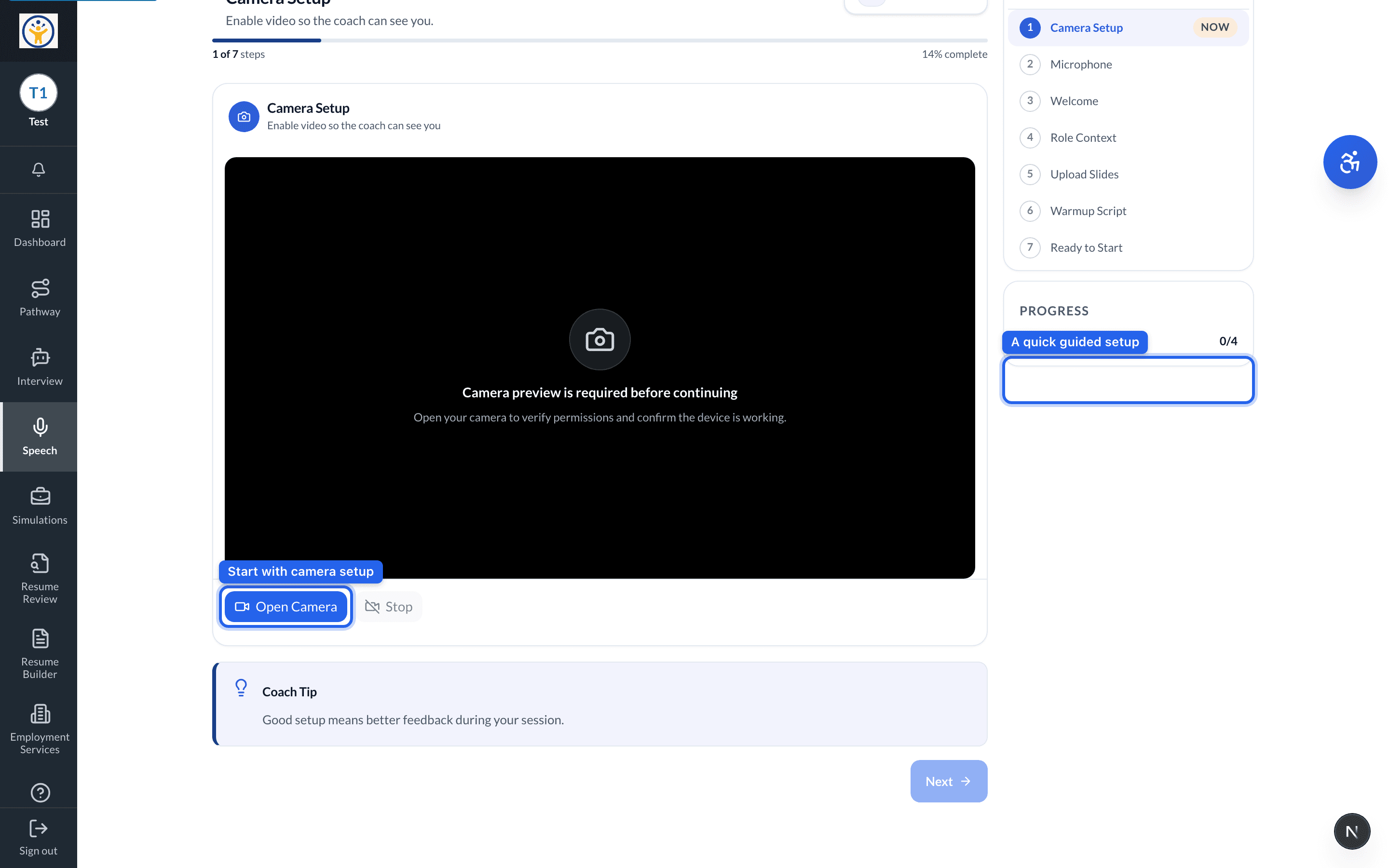
- 2Work through the quick setup — camera, microphone, and the role you're practicing for.
- 3Record your take (or upload one) when prompted.
- 4Read your feedback on clarity, pacing, and tone, then try again to improve.
Headphones with a mic give the coach cleaner audio and more accurate feedback.
Still need help?
Reach the team — ask a question, report a bug, or request a feature. Signed in? Contact us from your dashboard.