
Joining your class
2 min read · Updated July 2026
Three steps to your first lesson
Once you're signed in, you can join a class in seconds with the six-character code your teacher shares.
- 1From your dashboard, open Pathway and choose Join a Class (or go straight to the Join a Class page).
- 2Type the six-character code your teacher gave you.
- 3You're in — your class curriculum and any due work appear on your dashboard.
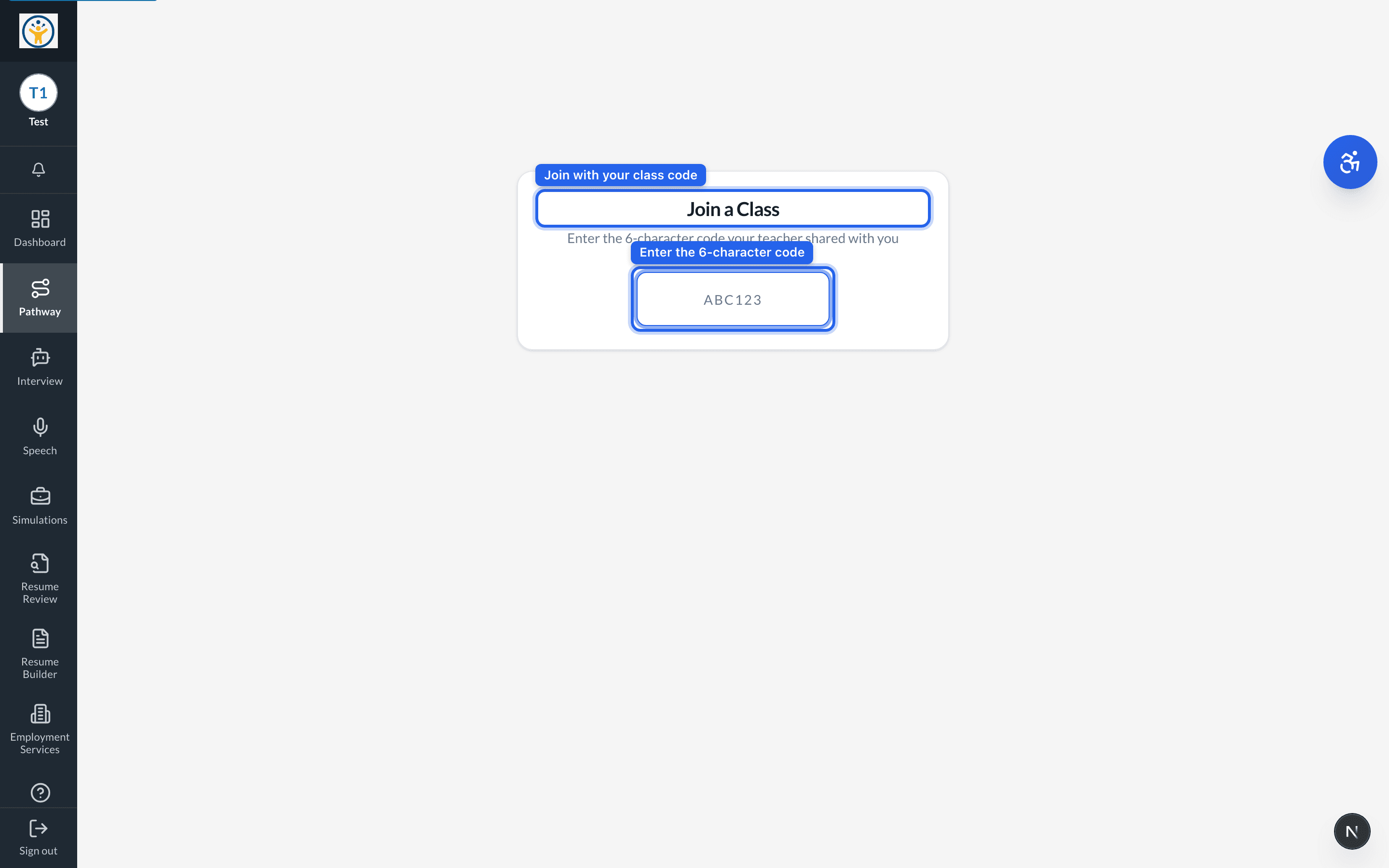
No code yet? Ask your teacher to share the class join code — they generate it from the class's Overview page.
Still need help?
Reach the team — ask a question, report a bug, or request a feature. Signed in? Contact us from your dashboard.