
Completing your first AI Interview practice
4 min read · Updated July 2026
Starting your first session
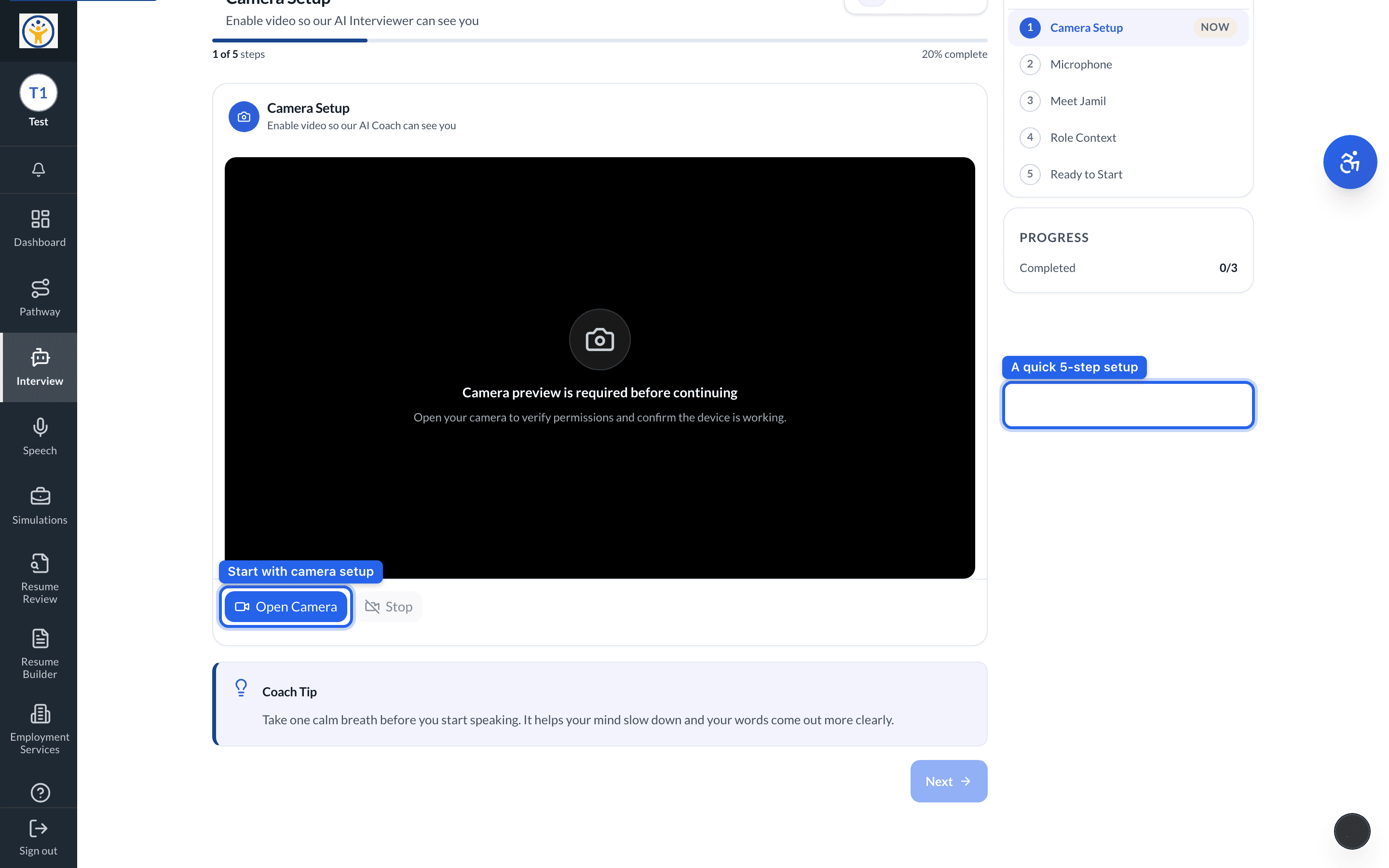
Open Interview from the sidebar and start a New Session. Before any questions begin, a quick five-step setup gets you ready:
- 1Camera Setup — turn on your camera so the AI interviewer can see you.
- 2Microphone — check your mic so your answers come through clearly.
- 3Meet Jamil — say hello to your AI interviewer.
- 4Role Context — tell it the role you're practicing for.
- 5Ready to Start — begin the interview when you're set.
What to expect
The AI interviewer asks real interview questions and listens to your spoken answers. There's no trick — it paces calmly, lets you retry any question, and gives feedback on what was strong and what to tighten up.
Nothing you say is shared with anyone except you and your teacher. Practice runs are for learning, not grading.
Tips for a good first run
- 1Use headphones with a mic if you can — feedback is more accurate with clear audio.
- 2Answer out loud in full sentences, like a real interview.
- 3Read the feedback after each question and retry once — the second attempt is where the improvement shows.
Still need help?
Reach the team — ask a question, report a bug, or request a feature. Signed in? Contact us from your dashboard.