
Setting up your organization
5 min read · Updated July 2026
Before you start
You'll need an organization admin account — this is created for you when your school signs up. If you don't have one yet, book a demo and our team will get you provisioned.
Set up in four steps
From the manage console:
- 1Open Settings → Organization and confirm your organization name and timezone.
- 2Invite your people from Members → Invite — add teachers and students by email, or in bulk with CSV/Excel.
- 3Have teachers create their classes; each class is built on a curriculum of units and lessons.
- 4Share each class's join code so students can self-enroll.
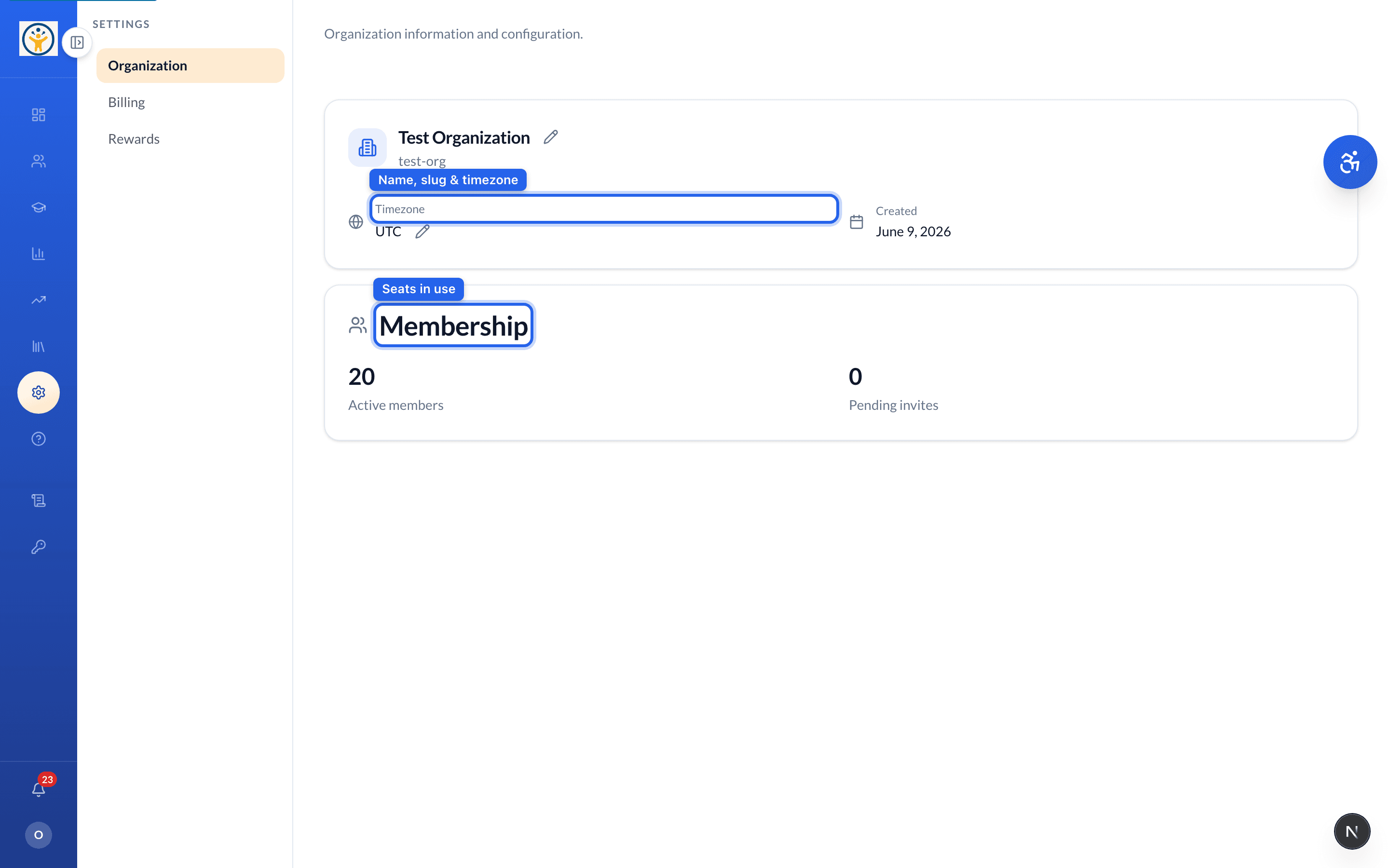
Invite teachers first — students join a specific teacher's class with its join code.
Still need help?
Reach the team — ask a question, report a bug, or request a feature. Signed in? Contact us from your dashboard.