
Getting your resume analyzed
3 min read · Updated July 2026
See your resume through a recruiter's eyes
Resume Review reads your resume the way an applicant tracking system (ATS) would, then tells you where the skill gaps are and how well you fit a target role.
- 1Open Resume Review and start a New Session.
- 2Upload your resume as a PDF (up to 10 MB).
- 3Choose the role you're targeting so the feedback is tailored.
- 4Review your analysis — ATS checks, skill gaps, and role-fit — and use it to improve your resume.
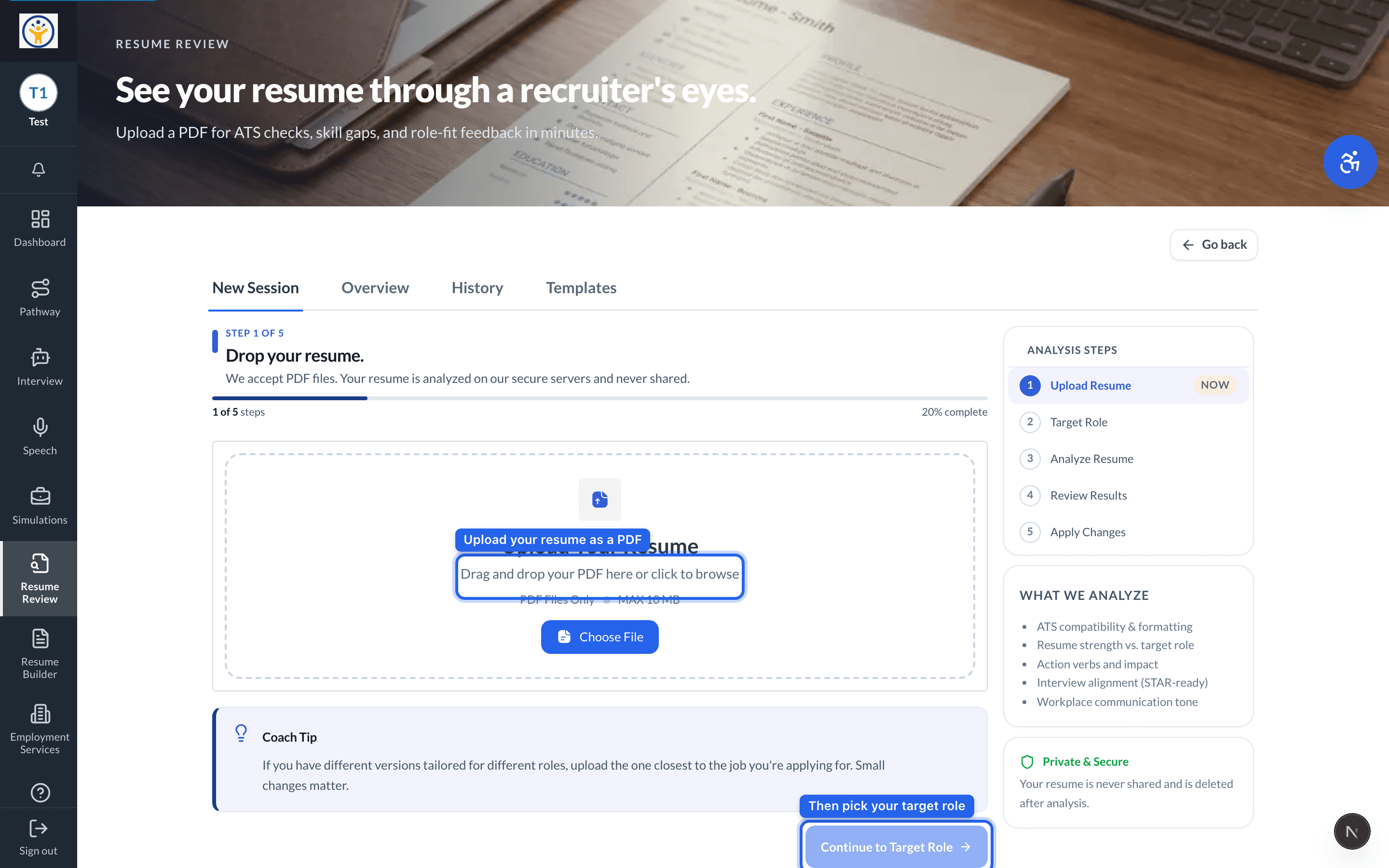
Upload the version closest to the job you're applying for — small differences change the feedback.
Still need help?
Reach the team — ask a question, report a bug, or request a feature. Signed in? Contact us from your dashboard.