
Building your resume
4 min read · Updated July 2026
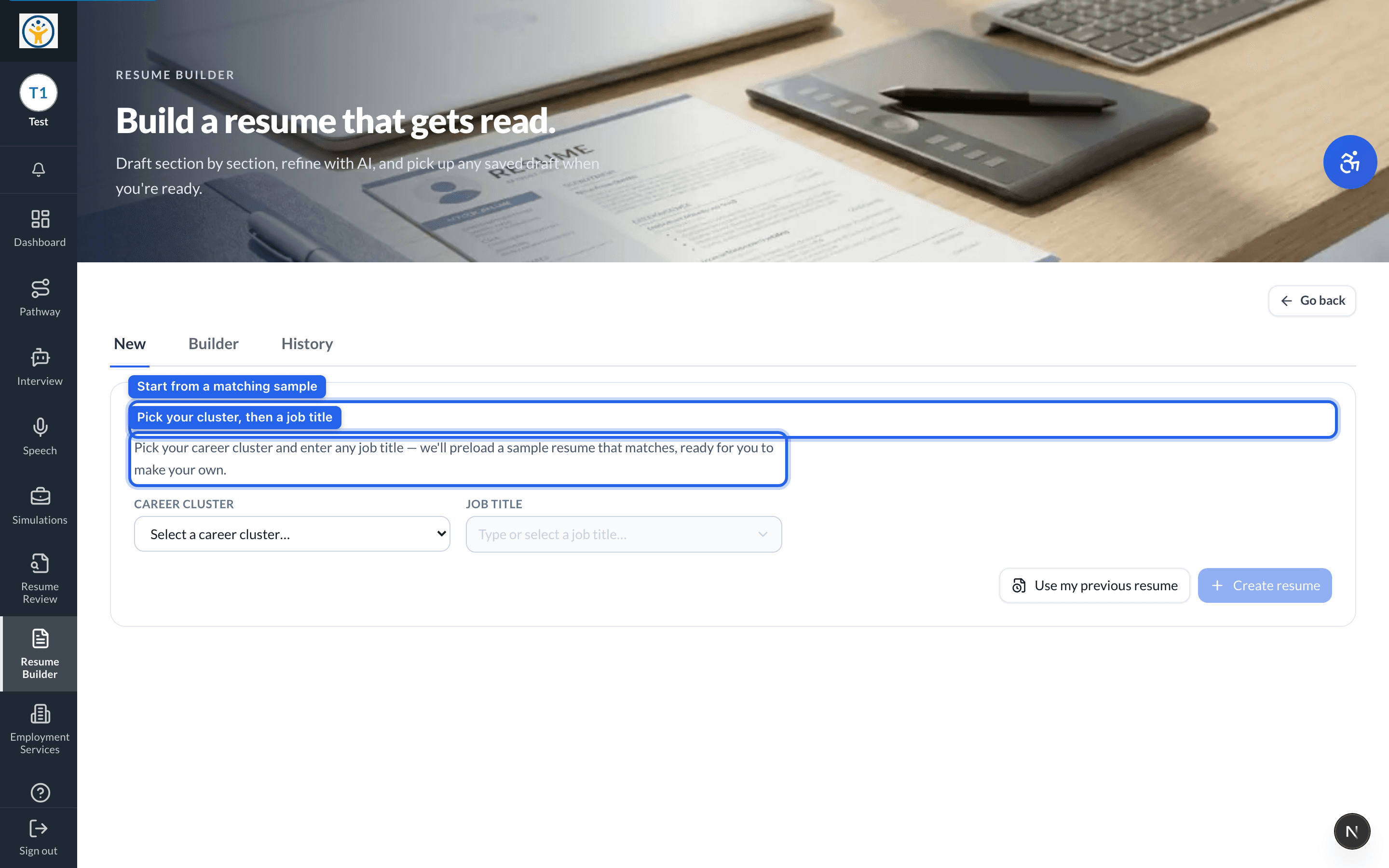
Start from a matching sample
The Resume Builder gives you a head start: pick your career cluster and a job title, and it preloads a sample resume that matches — ready for you to make your own.
- 1Open Resume Builder from the sidebar and choose New.
- 2Pick your career cluster and type any job title.
- 3Draft your resume section by section — education, skills, experience, achievements.
- 4Use the AI refine tools to tighten your wording as you go.
Come back any time — the History tab reopens any saved draft.
Still need help?
Reach the team — ask a question, report a bug, or request a feature. Signed in? Contact us from your dashboard.