
Messaging your class
3 min read · Updated July 2026
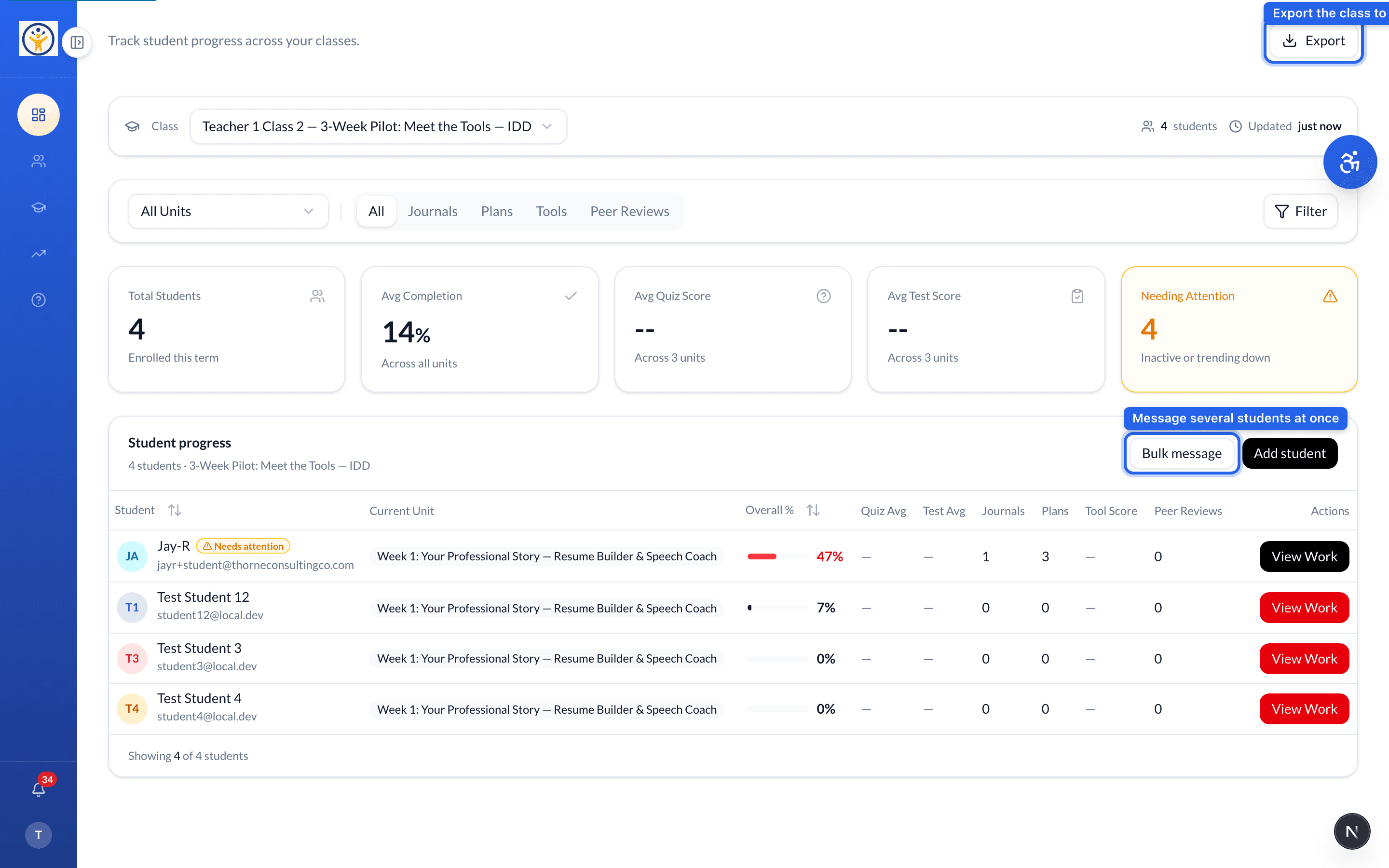
Bulk message from the progress view
From the class progress view, Bulk message lets you contact several students at once — handy for reminding everyone who hasn't started this week's work.
Class announcements
For something everyone should see, post an Announcement from the class Overview — add a title and message and it appears on students' class pages.
Keep announcements short and action-oriented — students skim them on their dashboard.
Still need help?
Reach the team — ask a question, report a bug, or request a feature. Signed in? Contact us from your dashboard.