
Reviewing journals and plans
3 min read · Updated July 2026
Journals
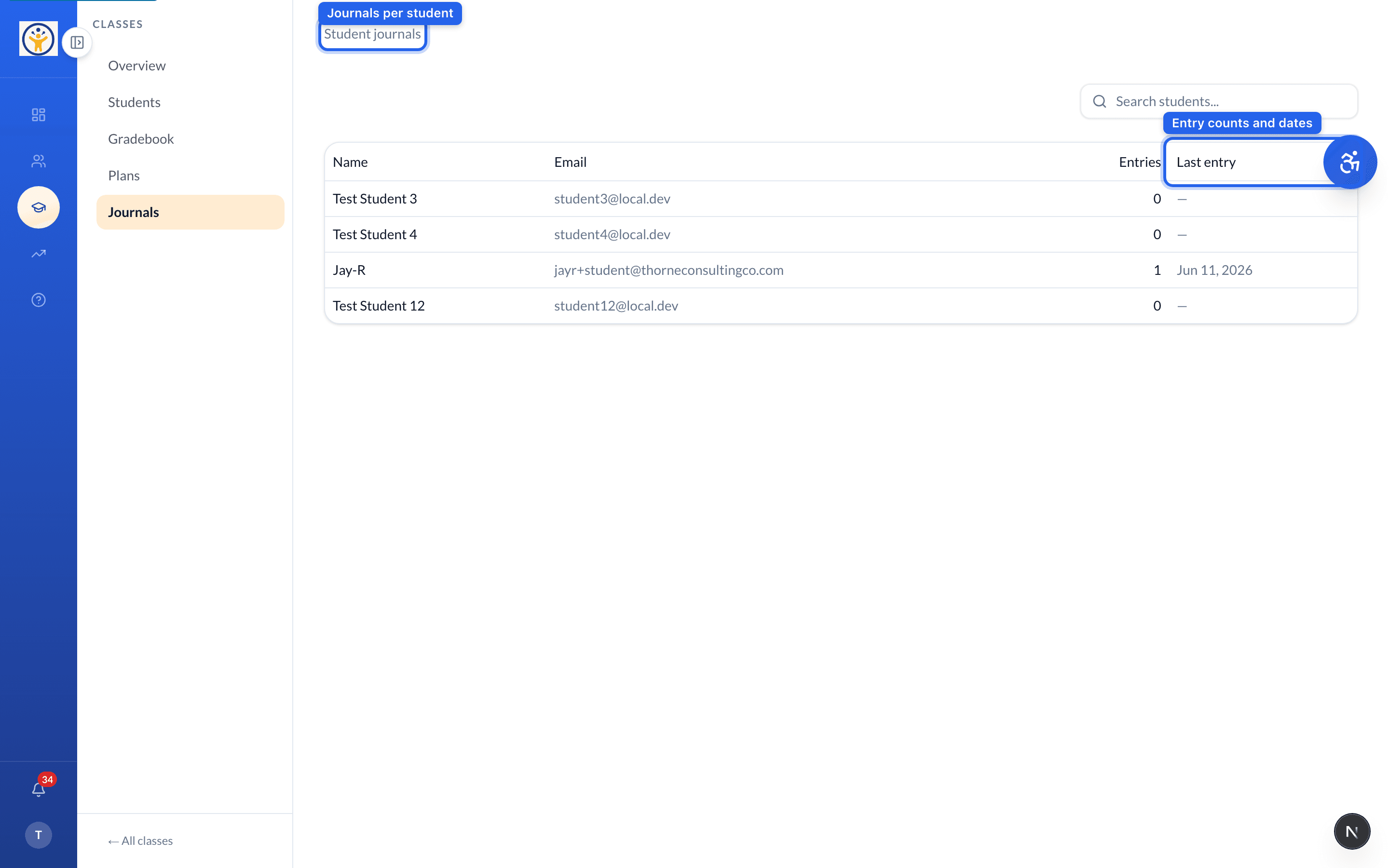
The class Journals tab lists every student with how many entries they've written and when they last posted — click through to read an individual student's reflections.
Plans
The Plans tab collects students' goal plans by lesson, with a completeness indicator and space for your comments. Filters and search are saved in the URL, so you can bookmark a view.
Use the Plans filters to focus on incomplete plans first — that's usually where a nudge helps most.
Still need help?
Reach the team — ask a question, report a bug, or request a feature. Signed in? Contact us from your dashboard.